




Before you leave...
Take 20% off your first order
20% off
Enter the code below at checkout to get 20% off your first order

Discover summer reading lists for all ages & interests!
Find Your Next Read
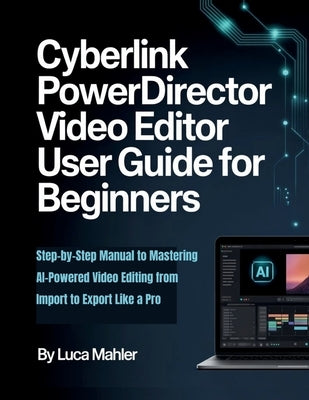
Tired of shaky footage, confusing timelines, and videos that never quite look professional? Imagine turning your raw clips into polished, engaging stories with ease-no prior experience required.
This practical user guide for beginners walks you through CyberLink PowerDirector in clear, hands-on steps. Start with the basics: installing the software, navigating the intuitive interface, and importing media smoothly. Build confidence as you master core editing on the timeline-cutting clips, trimming, arranging sequences, and using ripple, slip, and slide edits for seamless flow.
Discover the real power of modern editing with AI-powered tools that simplify complex tasks. Auto-enhance colors and lighting, stabilize shaky shots, remove wind noise effortlessly, generate subtitles via speech-to-text, apply stunning body effects, and convert footage to anime styles with just a few clicks. Add dynamic speed ramping, slow motion, picture-in-picture overlays, professional transitions, animated titles, balanced audio, and more-all explained simply so you focus on creativity, not frustration.
Whether you're creating family memories, social media content, YouTube videos, or personal projects, this manual shows you how to produce high-quality results from import to export-optimized for platforms like YouTube and devices.
By the end, you'll edit like a pro with confidence, ready to bring your vision to life.
Ready to transform your videos? Grab your copy today and start creating standout content with PowerDirector!
Thanks for subscribing!
This email has been registered!
Take 20% off your first order
Enter the code below at checkout to get 20% off your first order