
![Spider-Men: Worlds Collide [Marvel Premier Collection] by Bendis, Brian Michael](http://www.whiterainbookhouse.com/cdn/shop/files/img_2d0d0a87-9d07-4ffd-84f2-c4b241596800_533x.jpg?v=1762317878)




Before you leave...
Take 20% off your first order
20% off
Enter the code below at checkout to get 20% off your first order

Discover summer reading lists for all ages & interests!
Find Your Next Read
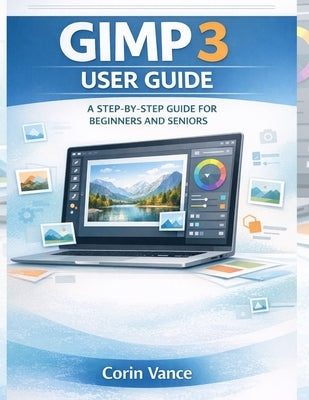
Do you want to edit photos beautifully without paying for expensive software or feeling overwhelmed by complex menus?
Have you opened GIMP before, clicked a few things, and thought, "Where do I even start?"
GIMP 3 is a powerful free image editor used for photo correction, graphic design, and everyday creative projects. But power can feel confusing when you are new, especially if you are a senior learner or someone who simply wants clear steps and fast results. This guide was written to solve that problem. Instead of forcing you to "figure it out," it walks you through GIMP 3 the way real people learn best: calmly, step by step, with practical examples you can follow on your screen.
You will not be buried in theory. You will learn what matters most first: how to set up GIMP 3, understand the workspace, and use the essential tools with confidence. Then you will build real skills that make a visible difference in your photos and designs, including layers, masks, corrections, text, exporting, and print-ready output. By the time you finish, you will be able to fix common photo problems, create clean graphics for social media, and export files that look right everywhere.
What buyers will get in this guide
Attractive reasons to buy this book
If you are ready to finally feel confident using GIMP 3 and start producing edits you are proud to share, get this guide now and begin your first project today.
Thanks for subscribing!
This email has been registered!
Take 20% off your first order
Enter the code below at checkout to get 20% off your first order