





Before you leave...
Take 20% off your first order
20% off
Enter the code below at checkout to get 20% off your first order

Discover summer reading lists for all ages & interests!
Find Your Next Read
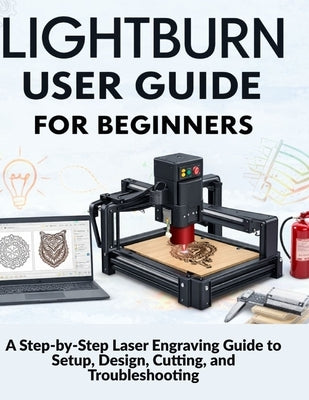
When your laser arrives, the excitement is real. So is the confusion.
LightBurn looks powerful, but most beginner guides only show buttons and menus. They skip the workflow, assume prior knowledge, and leave you guessing the moment something goes wrong. One bad connection, a failed cut, or an engraving that doesn't match the preview can quickly turn excitement into frustration.
LightBurn User Guide for Beginners was written to change that.
If you want clean engravings, accurate cuts, and predictable results, you need more than feature lists. You need a clear, beginner-first system that shows you how LightBurn actually works in real-world use.
This book doesn't teach LightBurn like software.
It teaches it like experienced operators use it.
You'll follow a simple, proven workflow:
Setup → Design → Preview → Run → Improve → Troubleshoot
That means fewer mistakes, less wasted material, and faster confidence.
By the end of this guide, you will be able to:
The real benefit is this: you stop guessing and start working with confidence.
What's InsideInside, you'll find:
Most LightBurn problems aren't software problems at all.
They're workflow, setup, or preparation issues-and once you know how to spot them, everything gets easier.
If you're ready to stop wasting material and start producing clean, confident results with LightBurn, this guide is for you.
Get LightBurn User Guide for Beginners today and take control of your laser workflow from your very first project.
Thanks for subscribing!
This email has been registered!
Take 20% off your first order
Enter the code below at checkout to get 20% off your first order