





Before you leave...
Take 20% off your first order
20% off
Enter the code below at checkout to get 20% off your first order

Discover summer reading lists for all ages & interests!
Find Your Next Read
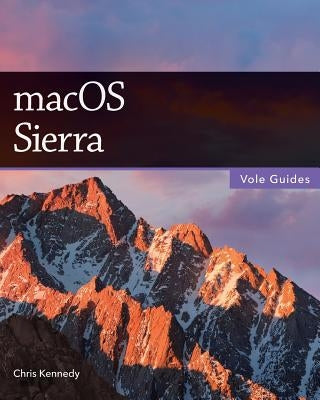
Perfect for new and longtime Mac users, this no-fluff guide to macOS Sierra is packed with details on system preferences, the desktop, Finder, applications, and utilities. You'll also find step-by-step instructions for printing, scanning, networking, sharing, troubleshooting, and going online. A Windows glossary makes switching to Mac (mostly) painless, and keyboard mavens will find a complete list of keyboard shortcuts.
New features covered include Siri, Universal Clipboard, Auto Unlock with Apple Watch, Apple Pay, iCloud Desktop and Documents, Optimized Storage, Picture in Picture, tabbed documents, and updates to Messages, Photos, Notes, Contacts, Notification Center, System Preferences, and Finder.
Contents
1. macOS Basics
2. The Desktop
3. System Preferences
4. Files, Folders & Drives
5. Programs & Documents
6. Printing, Faxing & Fonts
7. Networks & Sharing
8. Internet Connections
9. Security & Privacy
10. Maintenance & Backups
11. Switching from Windows
12. Keyboard Shortcuts
About the Author
Chris Kennedy is a technical writer based in Boulder, Colorado. When he's not typing, Chris climbs rocks, revises his screenplays, and reads the journals of polar explorers. He's been writing about macOS since Snow Leopard.
Thanks for subscribing!
This email has been registered!
Take 20% off your first order
Enter the code below at checkout to get 20% off your first order